 Typeity
Native macOS audio utility
Make every key
feel better.
Typeity gives your MacBook responsive mechanical keyboard sound—and makes light taps answer back with a bark, boing, horn, or something much less dignified.
Apple Silicon · macOS 14+ · No account · No tracking
22keyboard sound packs
7tap reaction packs
0network connections
Offlinesounds stay on your Mac
A keyboard you can hear
Not one clack stretched across every key.
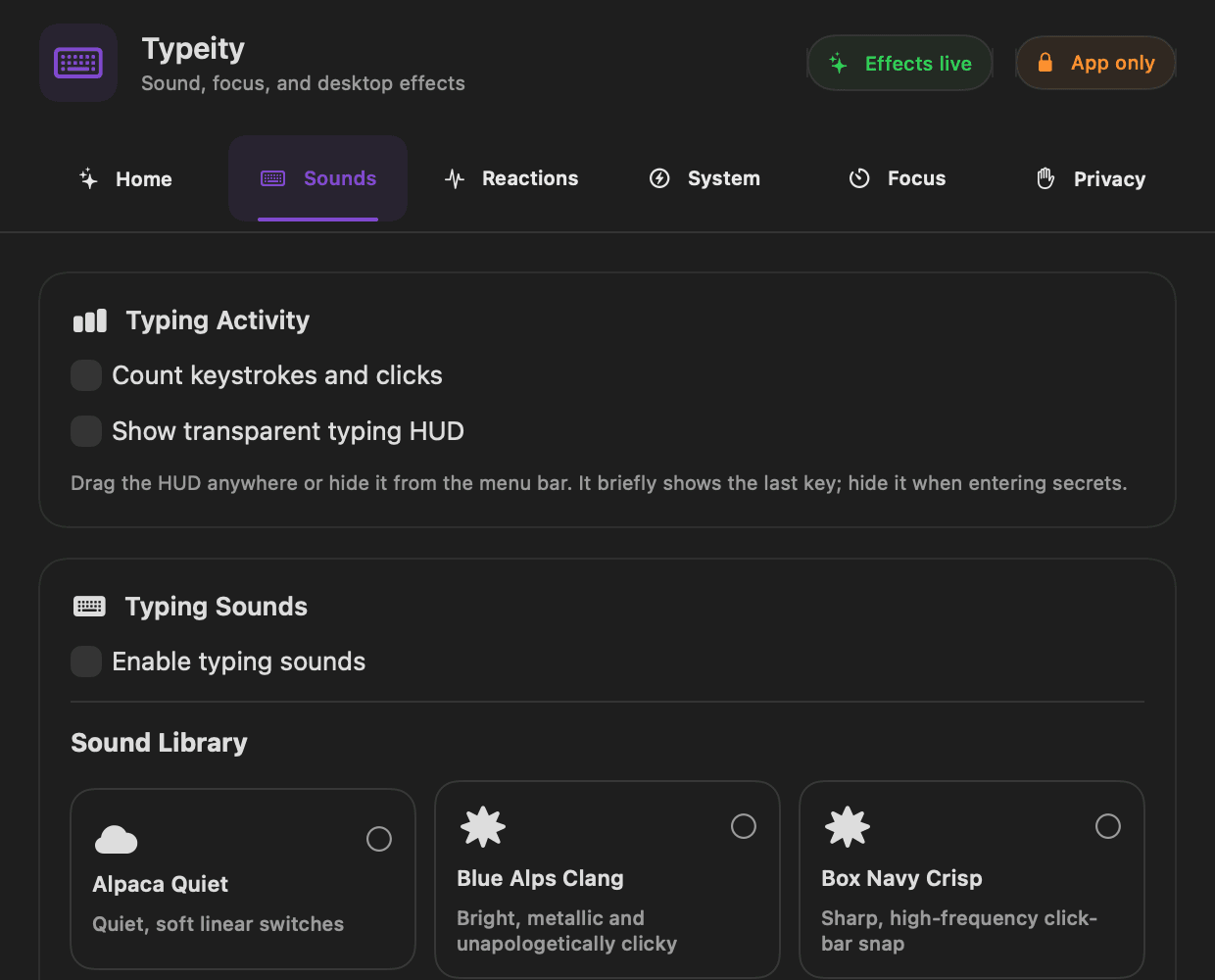
Space, Return, Backspace, modifiers, and releases have their own samples. Physical stereo positioning places left and right keys where they actually are.
- 01Recorded Cherry
- 02Holy Panda Thock
- 03IBM Buckling Spring
- 04Topre Dense
- 05Box Navy Crisp
The Mac taps back
A tiny joke built into your palm rest.
On compatible Apple Silicon MacBooks, Typeity listens to the onboard impact sensor. A light tap triggers one complete reaction—never a pile-up of overlapping noise.
Tunable sensitivityDial in light taps without hitting your Mac.
Loudness matchedPacks stay consistent when you switch.
Private by design
Your keys make sound.
They do not make data.
Typeity receives transient key event codes only long enough to choose a sound. It never reconstructs words, stores key history, connects to a server, or ships analytics.
Read the privacy detailsTypeity for macOS
Your keyboard is ready
to sound expensive.
Free during public testing.
Get Typeity Free