 Typeity
Tap reactions
Ouchies, barks, farts, cartoon boings, a car horn, and voice reactions for compatible MacBook impact sensors.
Inside Typeity
Every control exists to make the sound feel immediate, varied, and believable—not like the same MP3 stapled to every key.
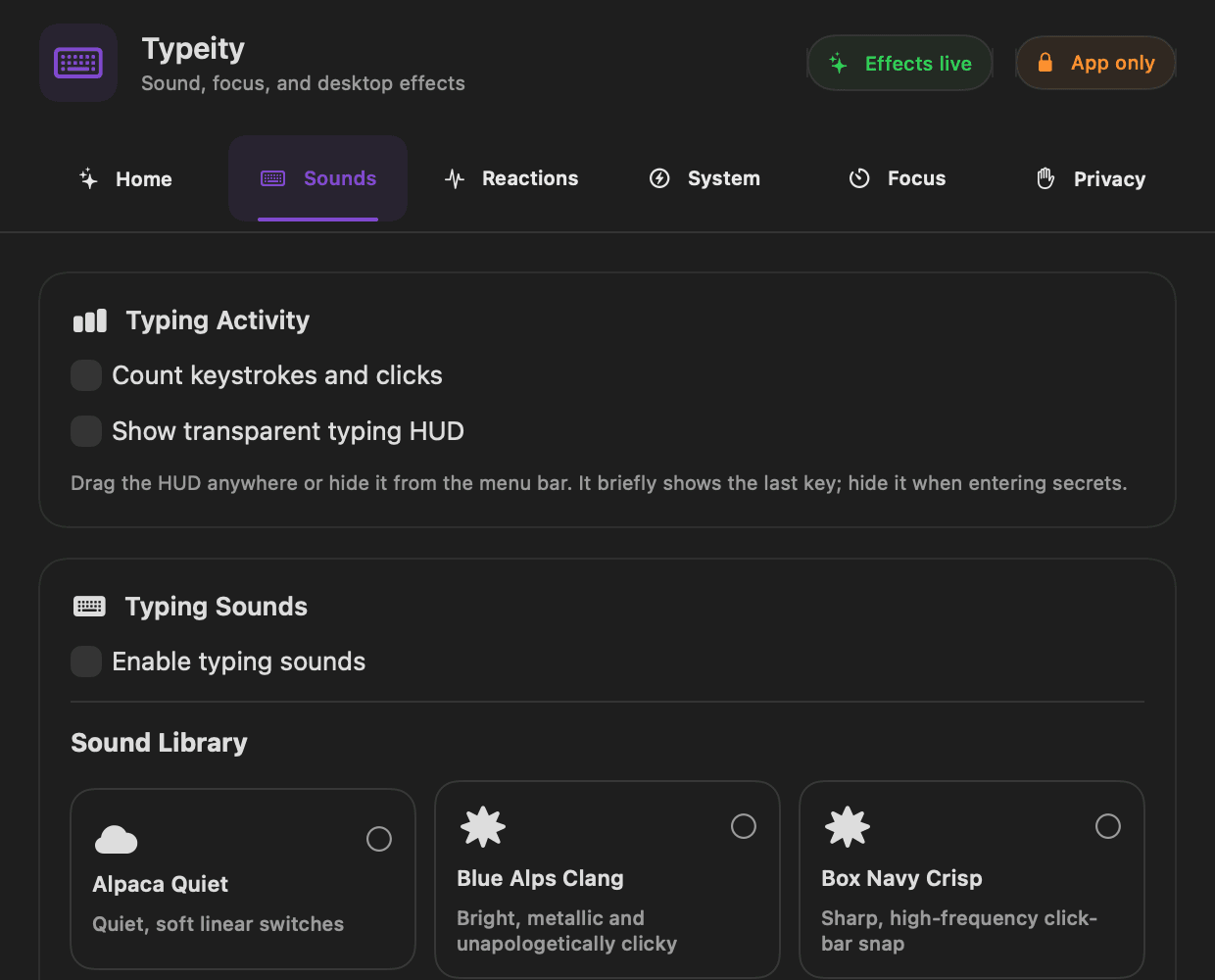
Keyboard
From restrained Topre to unapologetic Blue Alps, each library maps Space, Return, and Backspace separately. Some recorded sets intentionally leave key release silent.
Ouchies, barks, farts, cartoon boings, a car horn, and voice reactions for compatible MacBook impact sensors.
Sounds are prepared before playback and scheduled through a persistent audio engine for responsive feedback.
Independent volume, pitch and loudness variation, physical stereo placement, sensitivity, and cooldown controls.
Optional mouse sounds have their own sound library and volume, independent from keyboard sounds.
Compatibility
Hear it on your desk